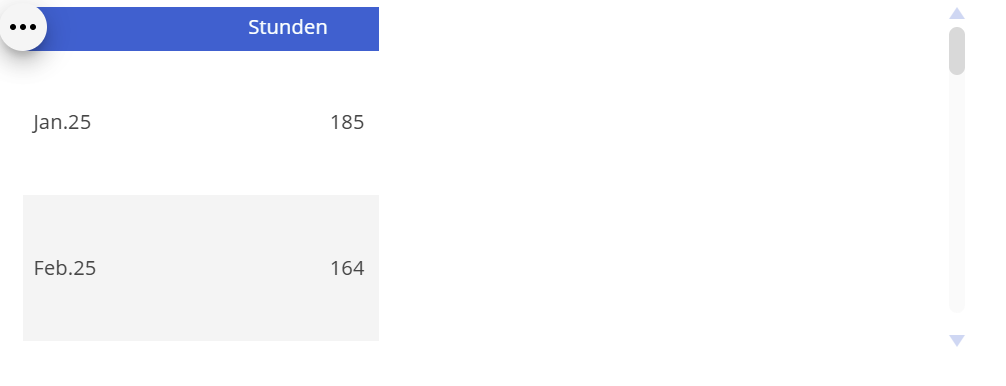
I need to increase the height of the table, but i am not able to do it , i am just able to increase the column width. Is there any method. Please give me the solution for this.
Hi Yogeshwar, is it the data view you want to increase the size of or the individual rows? You can set the size of the data view easily enough with the Height and Width settings, but the row size will depend on the size of your font and will auto size to fit.
Kind Regards,
Rob
Hello @Yogeshwar ,
The solution you are looking for is in the help: https://help.board.com/docs/configure-screen-objects#options-common-to-all-screen-objects , look for this text:
Hi Yogeshwar,
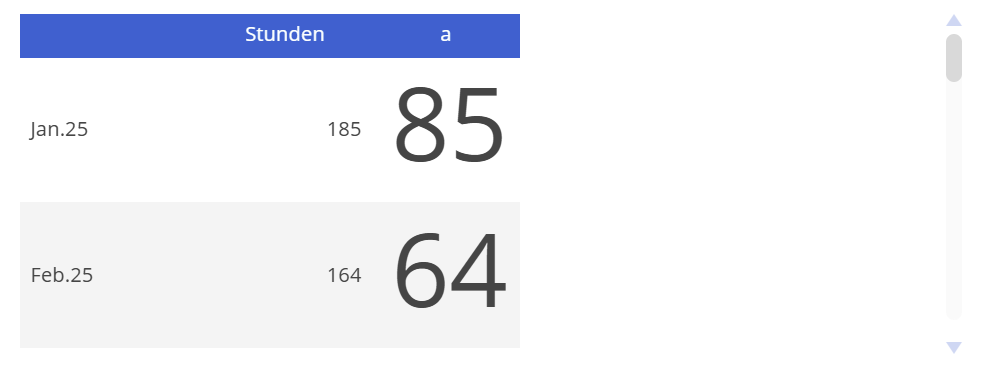
If I understand you correctly, you want to increase the row height of the table. Unfortunately, Board doesn’t allow you to set the row height. One way to increase the row height is to insert a new block and then use the block formatting options to increase its font size. Then set the column width to 1 so that the column is virtually invisible.
Board will automatically adjust the row height to match the font size.
best regards
Dietmar