Hello,
I am experiencing an issue with the selection of the entity “SOCIETE” in a BOARD screen (KPI capsule).When I select a company in the screen (e.g., Dell) and then switch to Design Mode → Layout, the selection is immediately replaced by another company (Lux).
This happens consistently whenever:
- I open the screen,
- I enter Design Mode,
- and then open the Layout panel.
The company Lux appears by default in the LAYOUT section across all related screens, even when a different company was selected in the main screen.
Checks already performed
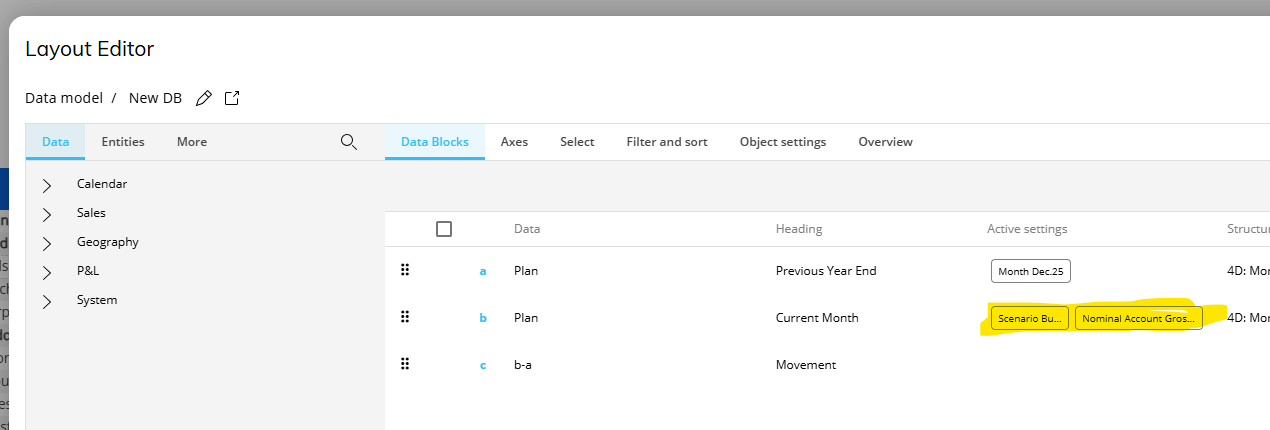
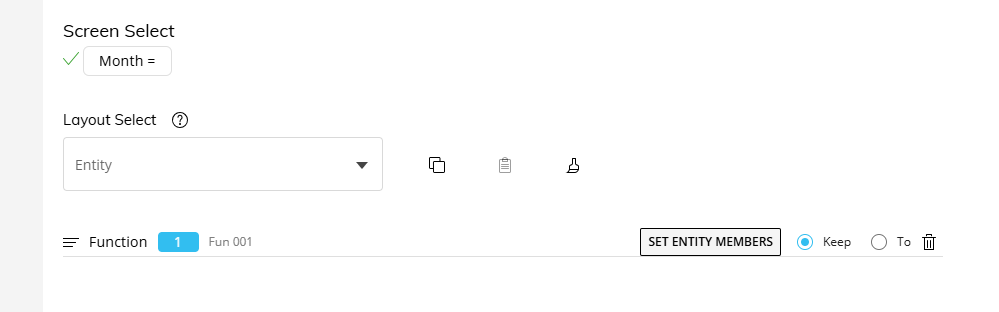
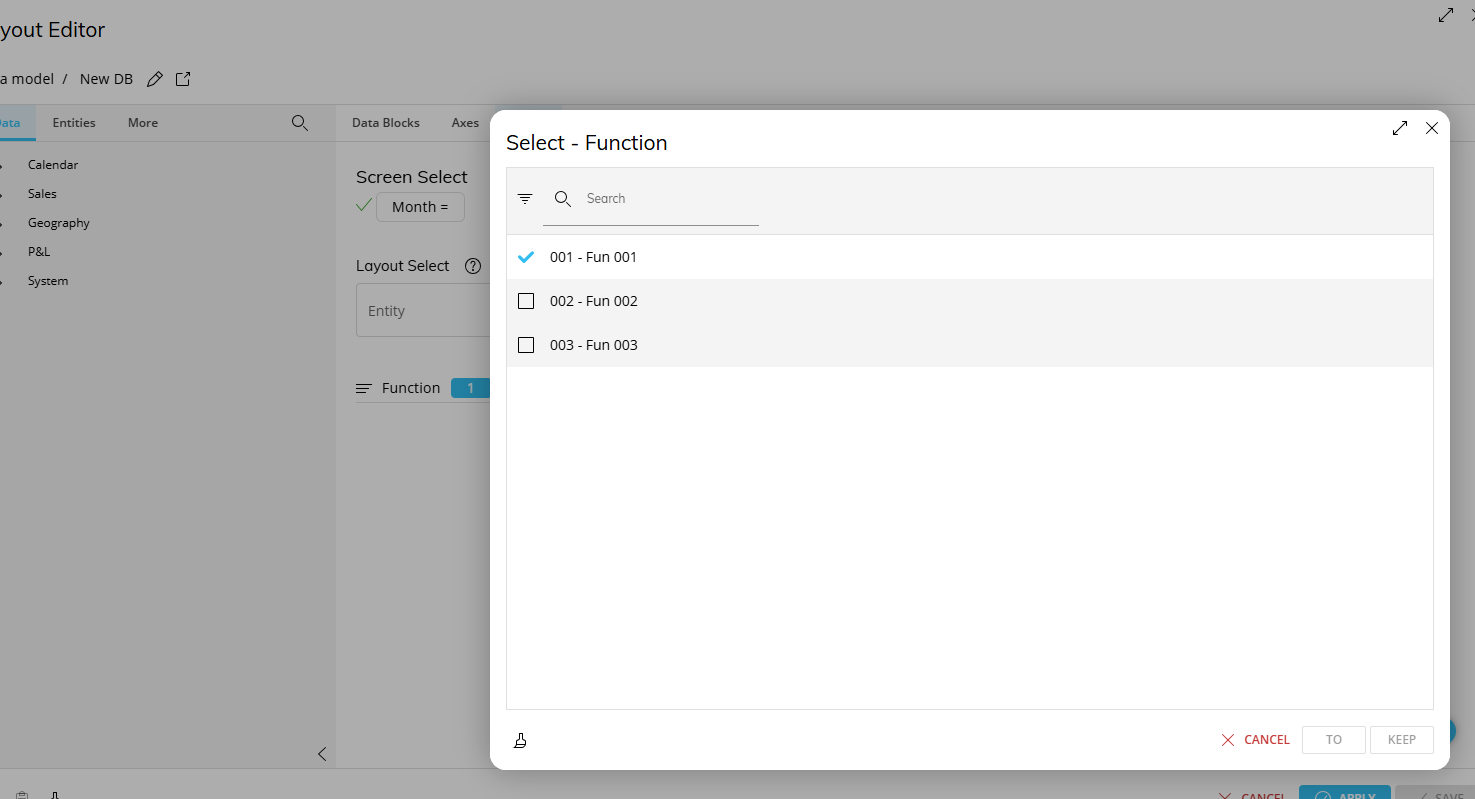
1. Layout
- No Default Value defined on the “SOCIETE” entity.
- No explicit Select defined in the Layout.
- No Entity based on cube linked to “SOCIETE”.
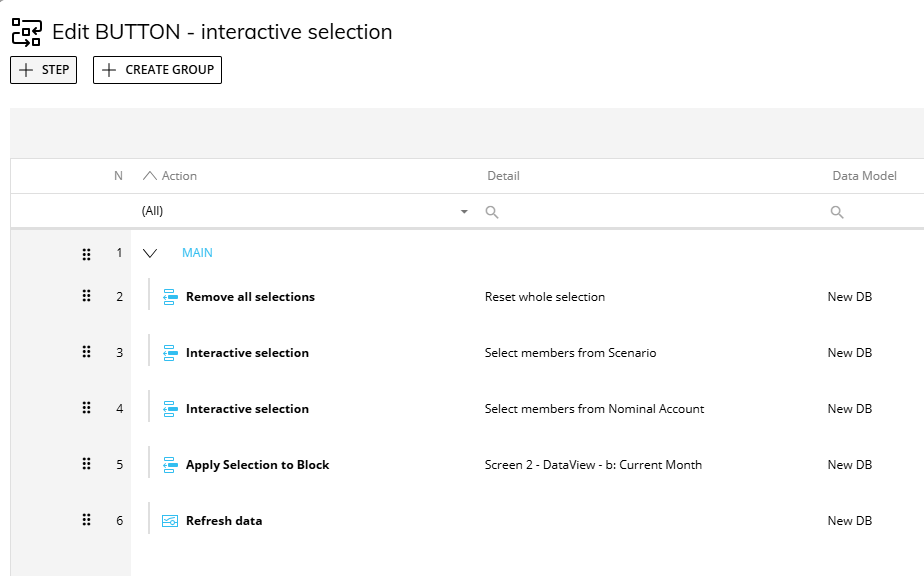
2. On Open Trigger Procedure
- All steps containing a selection on “SOCIETE” have been removed.
- The procedure no longer contains any action that sets or forces a SOCIETE value.
3. Screen Properties
- No Screen Selector or Fixed Selection on the SOCIETE entity.
- The option “Disable initial layout execution” tested both enabled and disabled → same behavior.
4. Forced selection in the procedure
- Even when adding a step “Selection → SOCIETE = X”, the Layout still displays Lux as the selected value.
Observed behavior
In the LAYOUT panel, the entity “SOCIETE” always appears as:
SOCIETE = Lux
even when:
- no SOCIETE selection exists in the Layout,
- no SOCIETE selection exists in the procedure,
- a different SOCIETE is selected by the user in the screen.
The user’s selection is therefore systematically overridden.
Could you please advise:
whether BOARD has any internal or hidden mechanism that can force an entity selection without appearing in the usual areas (Layout, Screen, Procedure),
Or, what could be enforcing the selection “SOCIETE = Lux”?
Thank you in advance for your assistance.